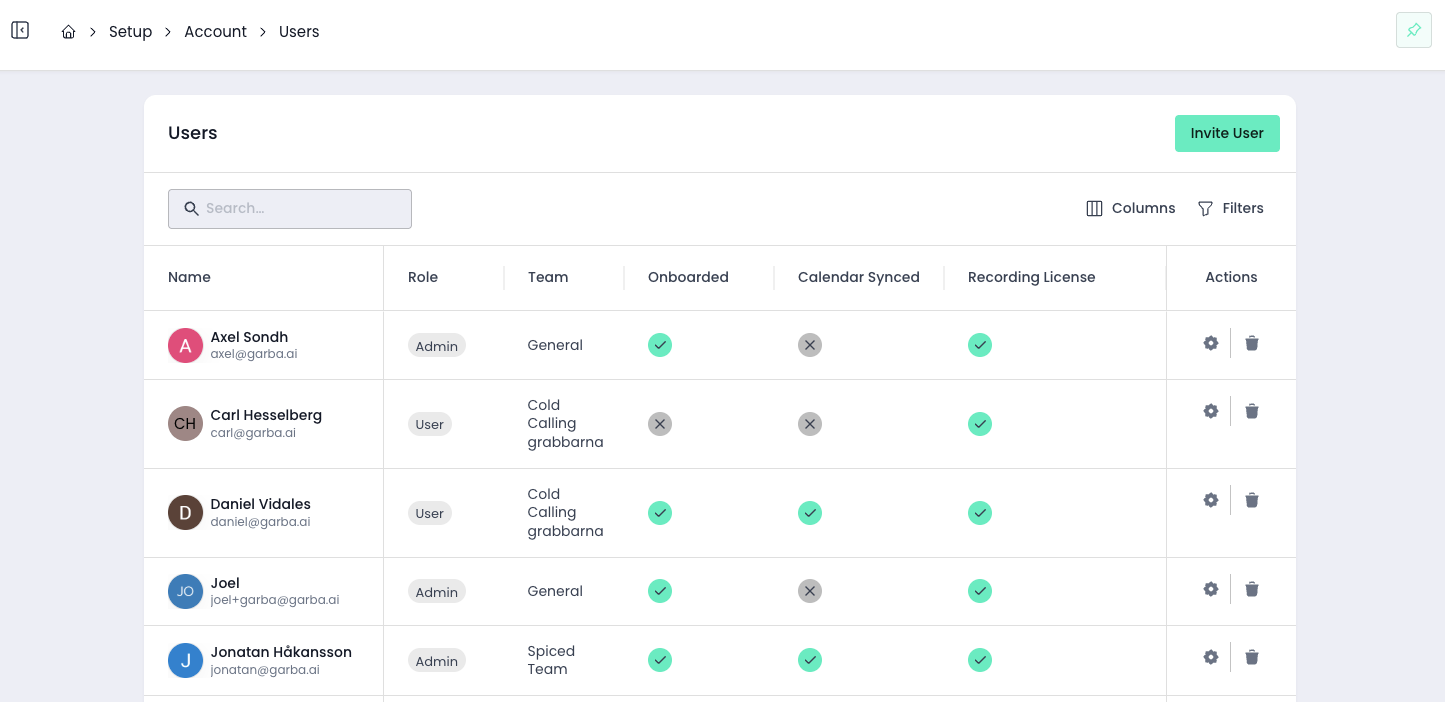
Garba includes three permission levels that define what each user can access and manage: User, Manager, and Admin. These roles determine the features, settings, and data each person can interact with in the platform. To view user roles, go to Settings > Users. Please note that user roles and meeting access is two separate things - see Setting up teams to understand how structure teams and visibility.
Designed for: Sales representatives and standard users who record and review meetings.
Permissions:
Record their own calls and meetings.
View calls based on team access rules.
Use Garba’s core features
Manage personal integrations through
Access transcripts and AI-generated analysis.
Restrictions:
Cannot manage organization-level integrations
Cannot modify team or workspace settings
Cannot create or manage users
Cannot create or modify templates
Cannot view team level performance analytics
Cannot adjust call or meeting access rules
Example use case: A sales rep who records customer calls and uses Garba’s insights to improve performance.
Designed for: Team leads, people managers, and sales managers.
Includes all User permissions, plus the ability to:
Can manage meetings created by users within their own team.
Can manage the users in their own team — add, edit, and move users from the Users page
View team level analytics
Invite and create new users
View team settings.
Restrictions:
Cannot manage subscription or add licenses.
Cannot modify global access-restriction settings.
Cannot create, edit, or delete teams — including a team's Meeting And Email Access level. Only Admins can.
Example use case: A manager who oversees a team.
Designed for: Workspace administrators such as RevOps or IT.
Includes all Manager permissions, plus the ability to:
Manage subscription, billing, and licenses.
Set global call access-restriction rules.
Setup and view account wide integrations
Access all organization settings.
Assign or change roles for any user.
Example use case: An IT or RevOps admin who oversees the entire Garba environment and manages advanced permissions. It is recommend to keep this access level to a minimum within your organization.
