
Quick Prompts let you save and reuse prompts you use often, so you don’t have to rewrite the same instructions every time. They help you and your team work faster, stay consistent, and get repeatable results from AskGarba.
You can create a shared library of prompts that are available across meetings, companies, and the main AskGarba interface.
Example use cases
Generate a report that summarizes all meetings from yesterday, evaluates rep performance, and suggests improvements
Create templates for the different types of emails you use Garba to draft
Build weekly reports that surface churn risks and key account signals
How Quickprompts work
You don’t need to know the perfect prompt upfront.
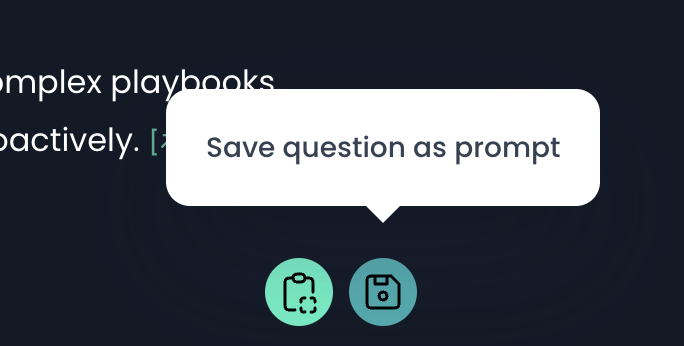
While working with AskGarba, simply refine your question until you are happy with the result. When you are done, click Save question as prompt.
Garba will analyze the conversation and automatically generate a prompt that recreates the same result when reused.
Saving and sharing prompts
When saving a prompt, you can choose who it is available to:
User – only visible to you
Team – shared with your team
Account – available to everyone on the account
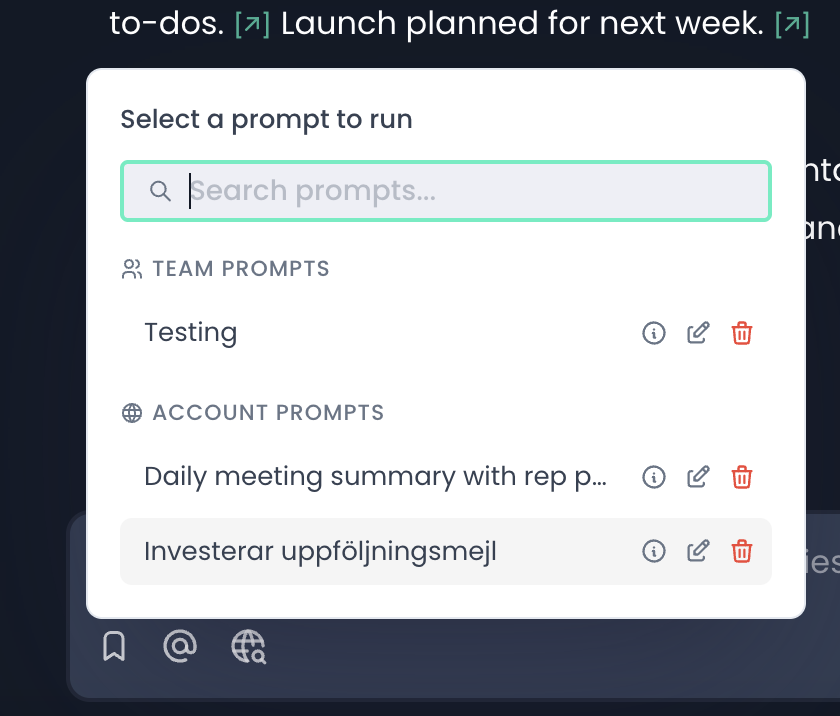
Once saved, the prompt becomes available anywhere you can access AskGarba.
Managing your prompts
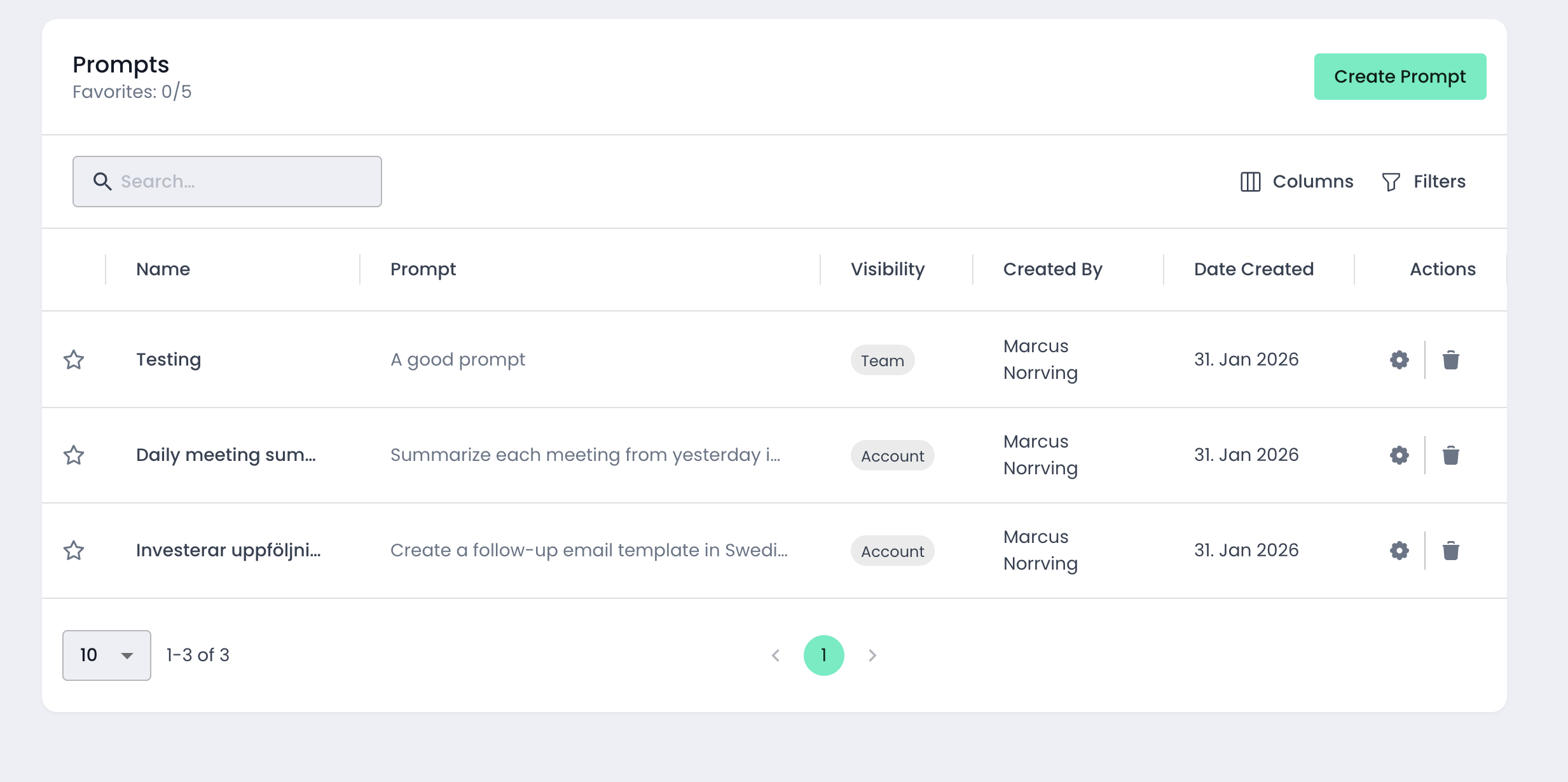
You can view and manage all prompts you have access to at:
https://app.garba.ai/setup/prompts
From there, you can:
See all available prompts (admins can see all prompts on the account)
Edit and adjust existing prompts
Star prompts to mark them as favorites for quicker access
If you have questions or ideas for improving Quick Prompts, feel free to reach out to the Garba team.