
Control who can access a specific meeting in Garba
Garba lets you control access at the individual meeting level, so only the right people can view and use meeting content.
How to edit meeting access
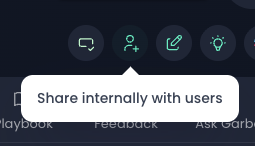
Open the meeting you want to review.
Click the button shown in the image above.
A modal will open where you can manage access.
In this modal, you can:
See which colleagues currently have access to the meeting
Add access for individual users
Remove access from users who should no longer see the meeting
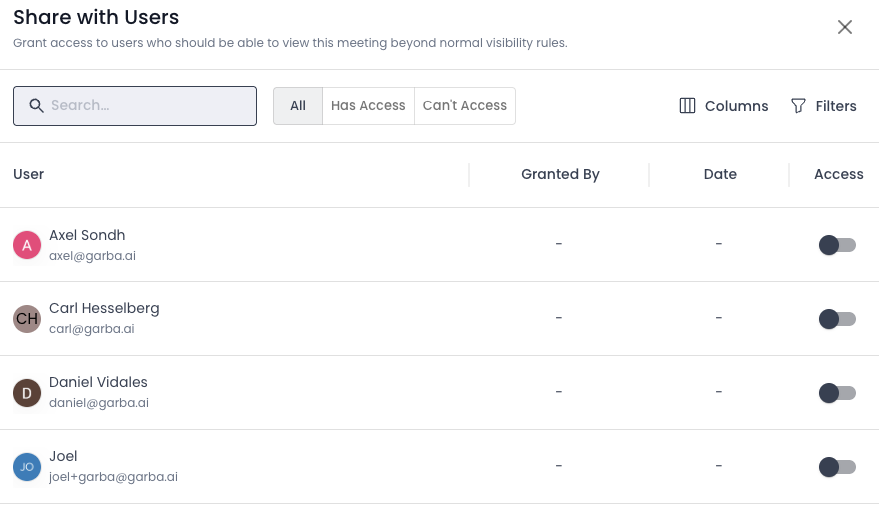
Changes are applied immediately and help ensure meeting information stays visible only to the people who need it.