Accessing Your Billing Dashboard
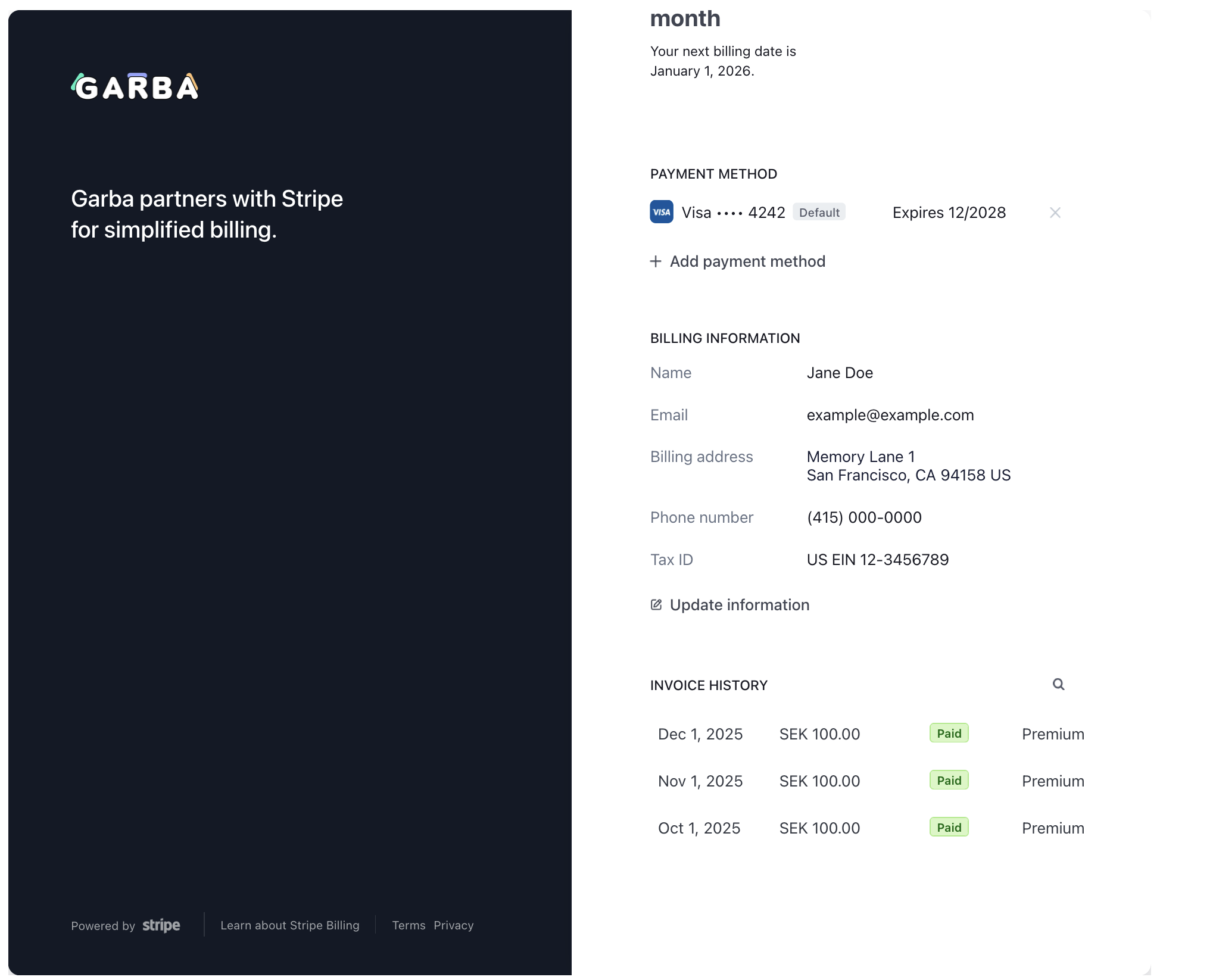
To view and manage your subscription information, navigate to https://app.garba.ai/setup/account-billing. If you are paying by card, you see a button called “View billing at Stripe”. Click on it to access your payment details.

Viewing billing at Stripe
View and download invoices, update your payment card, and edit your billing address and details.