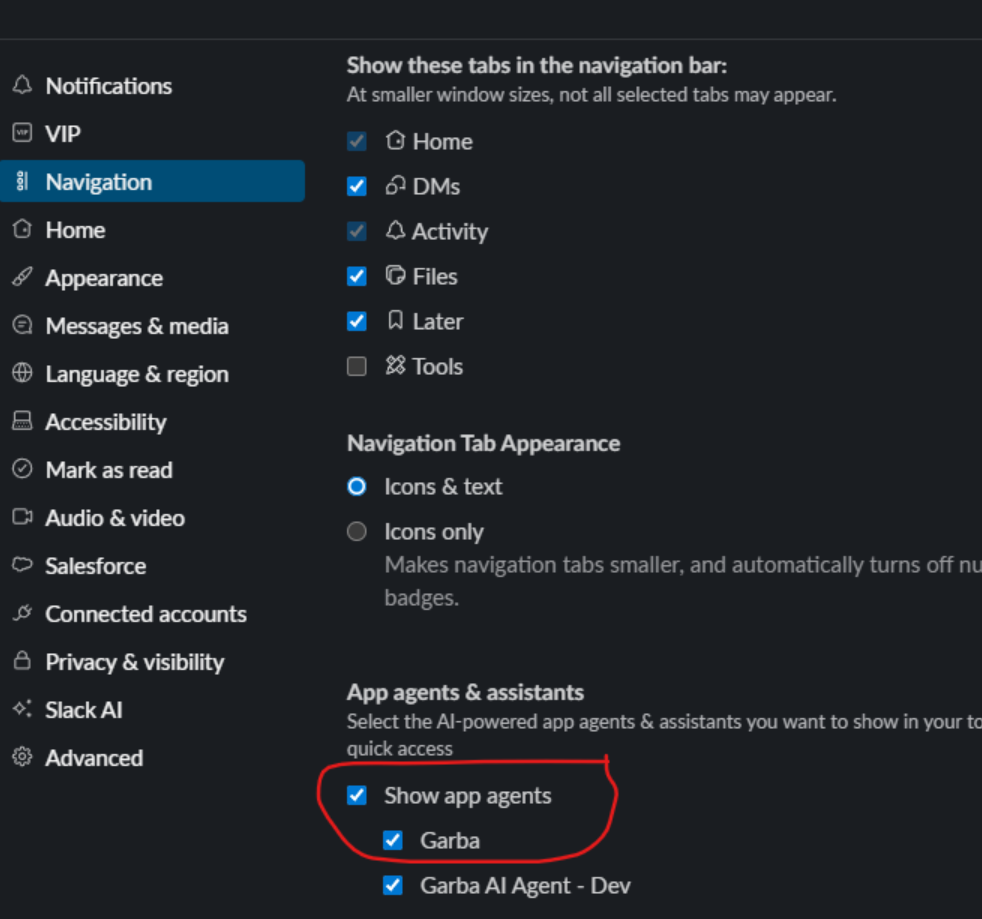
You can now have Garba as your always-on co-pilot directly in Slack.
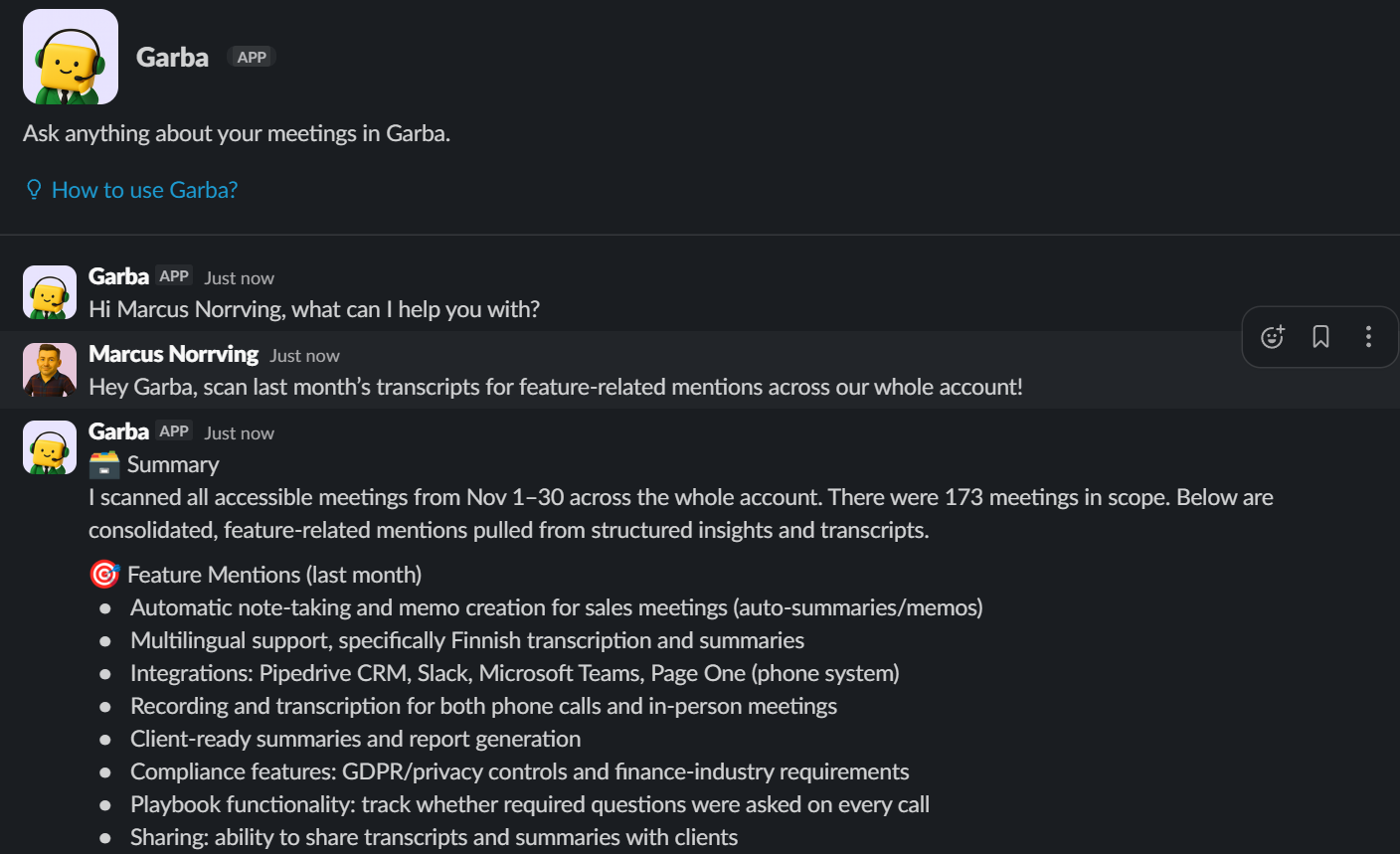
Here’s a few things you can do with it:
Receive daily briefings and pre-meeting summaries
Get instant post-meeting recaps
Ask the Garba agent follow-up questions or request actions for upcoming or past meetings, like generating email drafts or updating deal status
Pull insights from across your entire account on demand
How to activate
First, you need a Slack Administrator who is also a Garba user to set up the connection here.

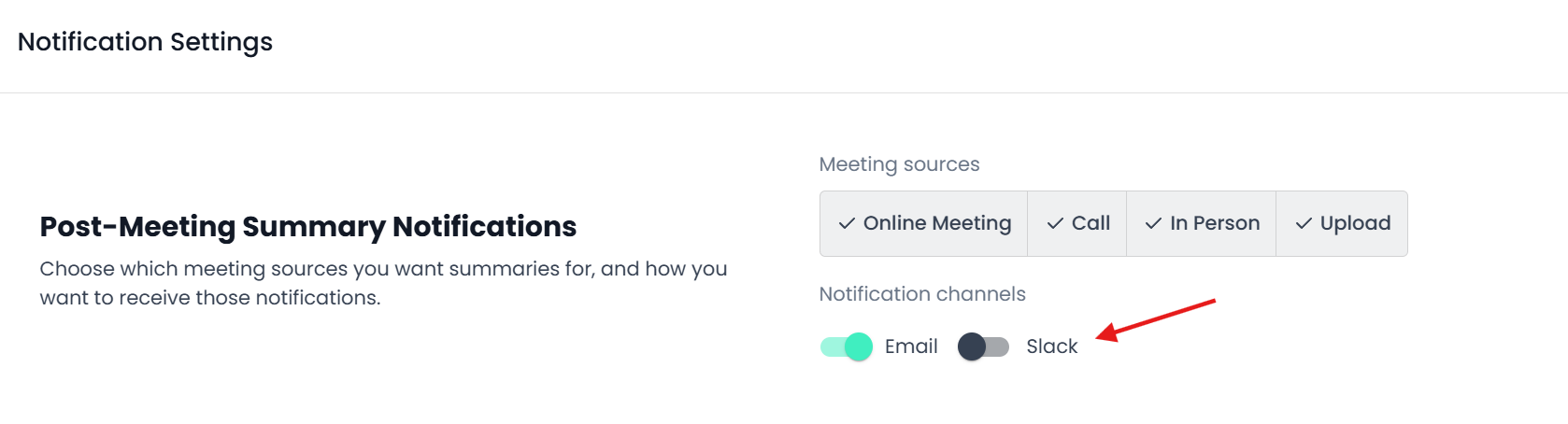
To turn on daily, pre meeting, and post meeting briefs, each user must activate the feature in the Notification Center here.
Recommended - add Garba as an app agent
With recent Slack updates, you can now keep the Garba agent available at all times in the upper right corner of your Slack app.
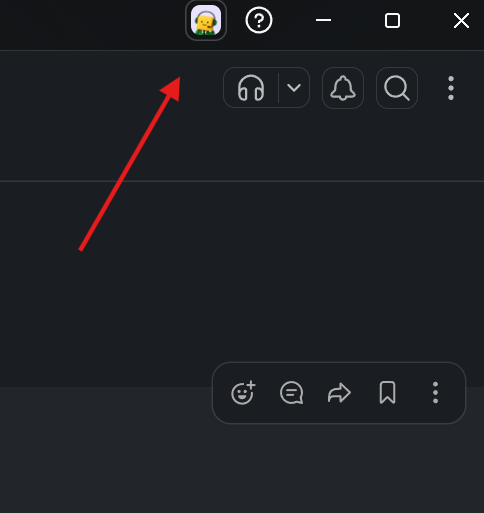
To enable this, a user should first click here:

Then:
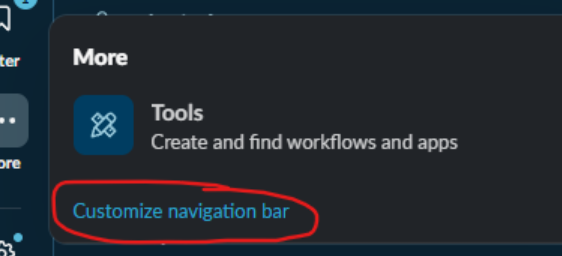
And finally: