
Why You’re Seeing “Need admin approval”
When trying to connect your Microsoft calendar, you may see a screen like this:
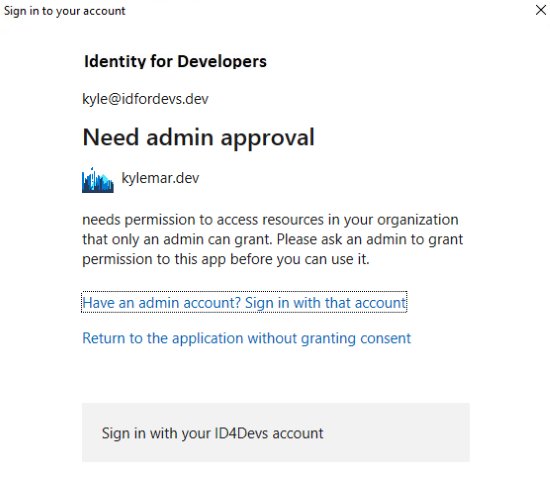
This message appears because of the security settings in Microsoft Entra (Microsoft’s identity platform for managing sign-in and permissions) of your organization.
Some organizations block users from granting app permissions unless an administrator has approved the app to use those permissions first.
How to Fix It
An IT administrator in your organization needs to approve Garba once, for the whole organization. We have prepared ready-to-use approval links and an explanation of every permission in this article:
Microsoft 365: "Need admin approval" — grant access with one link (for IT admins)
Send the article above to your IT administrator.
The admin clicks the approval link in the article, signs in, reviews the permissions, and clicks Accept. This is a one-time step and takes about a minute.
Go back to Garba and connect your calendar again — the connection now completes without the approval dialog.