
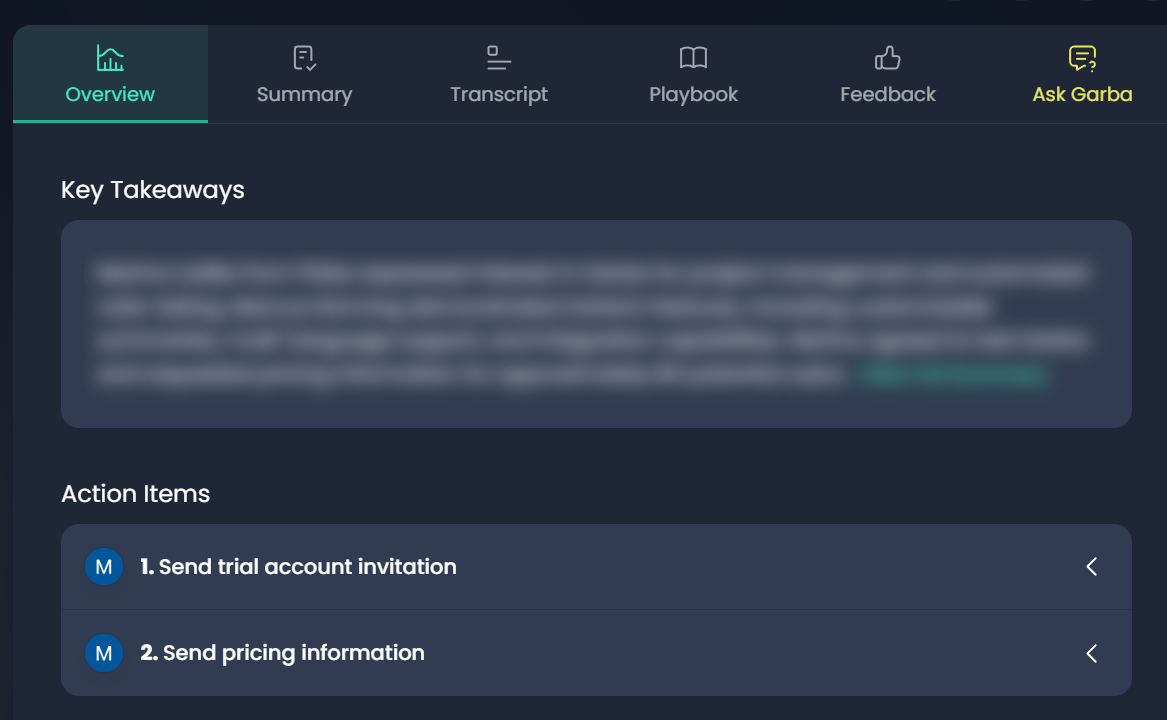
After a meeting, Garba automatically identifies any action items decided during the discussion. These action items are displayed in the Overview tab of the meeting.
Automatic Sync to Your CRM
Garba can also sync action items as tasks to your CRM, ensuring they are tracked and followed up on. This works with whichever CRM your account has connected, such as HubSpot, Salesforce or Pipedrive.
User-Level Control
🔹 Note: This setting is controlled per user, not at the account level.
To enable automatic syncing for a specific user:
Go to Settings > User > Settings
Find the Tasks section
Turn on Sync to CRM
Set Default Due Days (this applies when no specific due date is found for an action item)
Optionally, set Max Tasks to limit how many tasks a meeting creates. Leave it empty for no limit.
Once enabled, action items sync to your CRM with the meeting. Garba creates a task only when a user in your CRM has the same email address as the person the action item is assigned to.